Best Qodo Alternatives: Top Tools for Your Engineering Team

Dec 1, 2025

Dec 1, 2025

As engineering teams strive for efficiency, project management and workflow tools like Qodo become essential in organizing tasks and improving collaboration. However, while Qodo offers strong features, it may not always meet every team's unique needs. Teams might find that they need a tool with different capabilities or pricing structures.

In this article, we’ll explore Qodo alternatives and break down their key features, benefits, and who they are best suited for. By understanding the strengths of each alternative, you can find the right fit to optimize your team’s workflows and enhance productivity.

Key Takeaways

  • Entelligence AI enhances engineering productivity by offering AI-powered code reviews, sprint insights, and real-time collaboration analytics, making it an excellent alternative to Qodo for teams focused on improving both project management and code quality.

  • Trello provides a simple, visual project management experience that’s ideal for small teams or projects that don’t need extensive features.

  • Monday.com offers flexible, customizable workflows and is perfect for teams that need a comprehensive tool with both project management and automation capabilities.

  • Jira Software is a robust, feature-packed solution for Agile teams that require detailed sprint planning, backlog management, and issue tracking.

  • Asana is great for teams looking for a straightforward and intuitive tool that integrates well with other platforms to manage tasks and track progress.

  • ClickUp provides an all-in-one platform that combines project management, goal tracking, and productivity features, making it a powerful tool for teams of all sizes.

What is Qodo?

Qodo is a project management tool designed to help engineering teams streamline task tracking, manage projects, and improve team collaboration. It focuses on providing an easy-to-use interface for teams to stay organized and on top of their work.

Qodo’s core features include:

  • Task Management

  • Project Tracking

  • Team Collaboration

While Qodo is effective for small teams or projects, it may lack the depth and flexibility needed for more complex workflows. Teams requiring more advanced features or integrations might find Qodo limiting in certain areas.

With a better understanding of what Qodo offers, let's now explore why teams might look for alternatives.

Why Look for an Alternative to Qodo?

While Qodo is a solid tool for basic project management, teams may look for alternatives for a variety of reasons. These might include:

  • Feature Limitations: As teams grow, their needs become more complex. Qodo might lack advanced features such as in-depth reporting, extensive integrations, or customizable workflows that larger teams or more specialized projects often require.

  • Integration Needs: Teams that rely heavily on other tools like GitHub, Slack, or Jira may find Qodo’s integration options limited compared to other alternatives that offer deeper, more seamless connections with existing workflows.

  • Pricing: While Qodo is relatively affordable for smaller teams, its pricing might not scale as effectively as some alternatives. Teams looking for a more cost-effective solution, especially as they grow, might explore other options with better pricing tiers for larger teams.

  • Scalability: For larger teams or organizations with complex projects, Qodo’s simplicity may become a hindrance. Teams might need a platform that can scale with their increasing demands and provide more robust project management features.

Now that we’ve covered some reasons to explore alternatives, let’s look at some of the top Qodo alternatives available for engineering teams.

Also Read: How Entelligence AI Empowers Engineering Leaders to Drive High-Performing Teams

Top 5 Qodo Alternatives

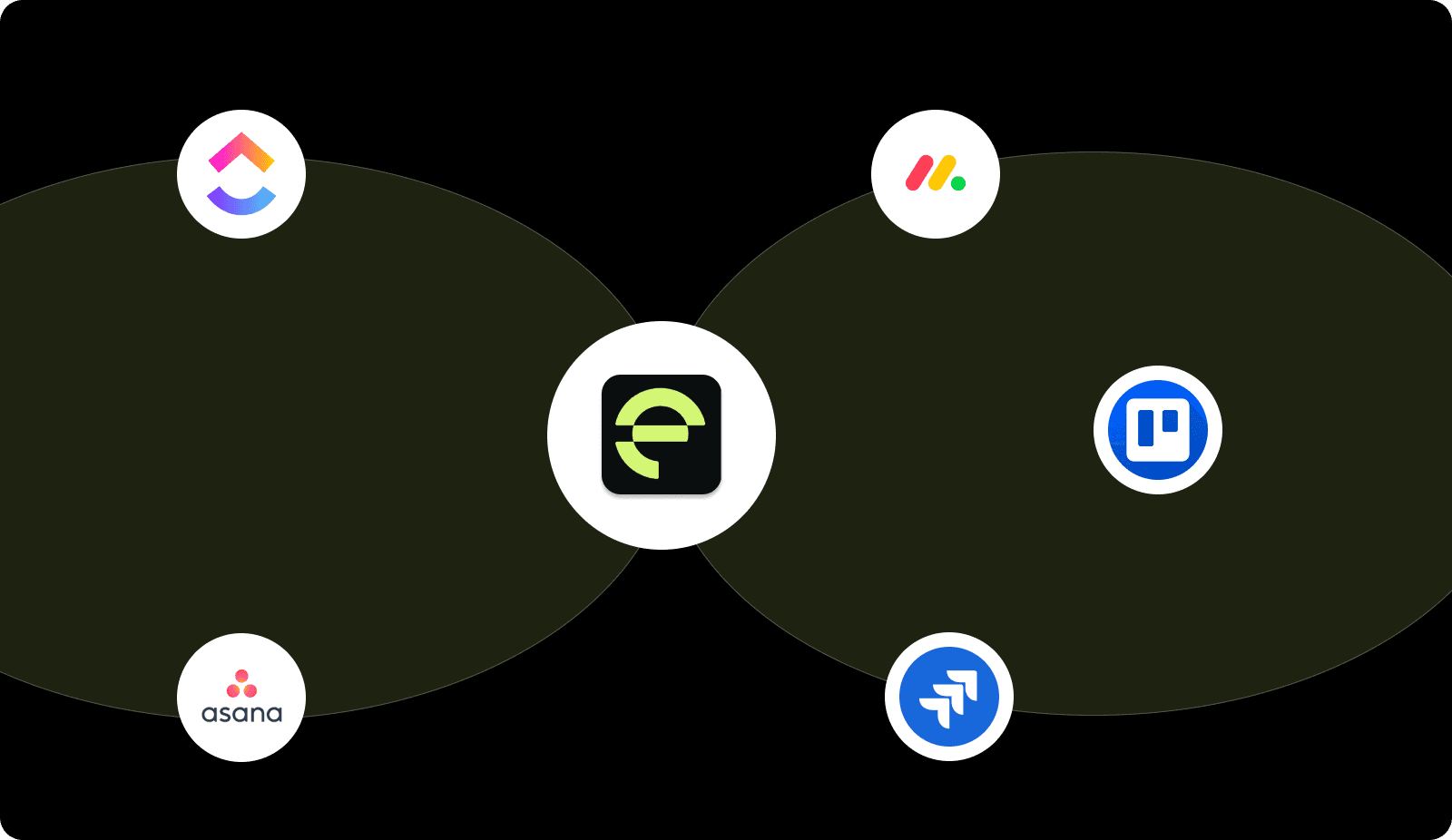
If Qodo doesn’t meet your team’s needs, here are some of the top Qodo alternatives that offer enhanced features, flexibility, and scalability:
Top 5 Qodo Alternatives

1. Entelligence AI

Entelligence AI isn’t just a project management tool, it’s a comprehensive productivity suite that automates code reviews, provides real-time team performance insights, and improves sprint assessments. It offers AI-powered feedback, integrates seamlessly with popular tools, and focuses on enhancing both code quality and team efficiency.

Key Features:

  • AI-powered pull request reviews

  • Real-time team performance dashboards

  • Automated sprint assessments and reporting

  • Seamless integration with tools like GitHub, Jira, and Slack

Best For: Teams looking to boost productivity while improving both project management and code quality.

2. Trello

Trello is a widely-used, intuitive project management tool that relies on a visual, board-based approach. It’s ideal for small teams or simple workflows, offering a straightforward way to track tasks, set deadlines, and collaborate.

Key Features:

  • Drag-and-drop boards for task management

  • Customizable workflows with Power-Ups

  • Collaboration tools for teams

  • Easy integration with Google Drive, Slack, and more

Best For: Small teams or projects that need a simple, visual tool for task management without added complexity.

3. Monday.com

Monday.com is a flexible project management platform that allows teams to manage tasks, projects, and workflows with ease. It offers a highly customizable interface, automation options, and detailed reporting, making it ideal for teams that need more structure.

Key Features:

  • Customizable workflows and dashboards

  • Automations for repetitive tasks

  • Real-time team collaboration and file sharing

  • Advanced reporting and analytics

Best For: Teams that need a customizable, feature-rich platform for managing projects and workflows.
4. Jira Software

Jira is a popular tool among Agile teams for sprint planning, issue tracking, and backlog management. It provides detailed reporting, integrates with CI/CD tools, and helps teams stay organized and aligned.

Key Features:

  • Agile boards for Scrum and Kanban

  • Customizable workflows and issue tracking

  • Detailed sprint planning and reporting

  • Integration with developer tools and CI/CD pipelines

Best For: Agile teams requiring robust sprint planning, issue tracking, and detailed reporting features.

5. Asana

Asana is a well-known project management tool that helps teams plan, organize, and track work across projects. It offers simple task management, timeline views, and strong collaboration features.

Key Features:

  • Task assignment and tracking

  • Timeline and calendar views

  • Collaboration tools for teams

  • Customizable project templates

Best For: Teams seeking a user-friendly project management tool with solid task tracking and team collaboration features.

6. ClickUp

ClickUp is an all-in-one platform that integrates project management, goal tracking, and productivity features. It’s perfect for teams of all sizes that need a flexible tool to manage various aspects of their workflow.

Key Features:

  • Customizable task management and views

  • Goal tracking and time management tools

  • Detailed reporting and collaboration features

  • Integrations with GitHub, Slack, and more

Best For: Teams of all sizes looking for a powerful, customizable platform to manage tasks, goals, and productivity.

Having explored some of the top alternatives, let's look at what factors to consider when choosing the right tool for your team.

Also Read: How to Use AI for Code Reviews on GitHub?

What You Should Look For in a Qodo Alternative?

When choosing a Qodo alternative, there are several key factors to weigh to ensure you select the right tool for your team’s particular needs. Here’s a breakdown of what to keep in mind:

Factor

What to Look For

Integration with Your Existing Tools

Ensure the alternative integrates well with tools like GitHub, Jira, Slack, or any other platforms your team is using. A seamless workflow is essential for minimizing disruptions.

Feature Set

Make sure the tool provides the features you need, such as task tracking, sprint planning, code review automation, or reporting. Different teams have different requirements.

Ease of Use

The tool should be intuitive and easy to set up, so your team can quickly get up and running without a long learning curve.

Cost and Value

Consider the pricing structure and ensure it aligns with your team's budget. Don’t forget to factor in the potential value the tool provides in terms of increased productivity.

Scalability

Pick a tool that can expand as your team grows. Look for a solution that can handle larger projects and more users as your team expands.

Conclusion

Choosing the right Qodo alternative depends on your team’s needs and workflow. Whether you need advanced project management, better integrations, or a simpler user experience, there are plenty of options. From Entelligence AI for productivity insights to Trello for basic task management, each tool offers unique strengths.

By considering factors like ease of use, cost, scalability, and integrations, you can find the best solution to improve your team’s efficiency.

Entelligence AI combines project management with team performance insights, making it an ideal option for teams focused on boosting both productivity and code quality.

Ready to enhance your team’s workflow? Book a trial session with Entelligence AI today and optimize your development process.

Frequently Asked Questions

Q: What is the best alternative to Qodo for small teams?

For small teams, Trello is a great option due to its simple, visual interface and ease of use. It's perfect for managing smaller projects without unnecessary complexity.

Q: How does Entelligence AI improve team productivity?

Entelligence AI automates code reviews, provides real-time insights into team performance, and offers sprint assessments. It helps teams focus on high-priority tasks and improve collaboration.

Q: Can Entelligence AI integrate with other tools like Jira or GitHub?

Yes, Entelligence AI integrates seamlessly with popular tools like Jira, GitHub, and Slack, making it easy to fit into your existing workflow.

Q: Is Entelligence AI suitable for larger teams?

Absolutely! Entelligence AI is scalable and designed for teams of all sizes. It provides valuable insights and helps large teams optimize their development process.

Q: How does Entelligence AI compare to tools like Jira and Monday.com?

While Jira and Monday.com are great for project management, Entelligence AI adds the benefit of AI-powered code reviews and team performance insights, which help improve both productivity and code quality.
As engineering teams strive for efficiency, project management and workflow tools like Qodo become essential in organizing tasks and improving collaboration. However, while Qodo offers strong features, it may not always meet every team's unique needs. Teams might find that they need a tool with different capabilities or pricing structures.

In this article, we’ll explore Qodo alternatives and break down their key features, benefits, and who they are best suited for. By understanding the strengths of each alternative, you can find the right fit to optimize your team’s workflows and enhance productivity.

Key Takeaways

  • Entelligence AI enhances engineering productivity by offering AI-powered code reviews, sprint insights, and real-time collaboration analytics, making it an excellent alternative to Qodo for teams focused on improving both project management and code quality.

  • Trello provides a simple, visual project management experience that’s ideal for small teams or projects that don’t need extensive features.

  • Monday.com offers flexible, customizable workflows and is perfect for teams that need a comprehensive tool with both project management and automation capabilities.

  • Jira Software is a robust, feature-packed solution for Agile teams that require detailed sprint planning, backlog management, and issue tracking.

  • Asana is great for teams looking for a straightforward and intuitive tool that integrates well with other platforms to manage tasks and track progress.

  • ClickUp provides an all-in-one platform that combines project management, goal tracking, and productivity features, making it a powerful tool for teams of all sizes.

What is Qodo?

Qodo is a project management tool designed to help engineering teams streamline task tracking, manage projects, and improve team collaboration. It focuses on providing an easy-to-use interface for teams to stay organized and on top of their work.

Qodo’s core features include:

  • Task Management

  • Project Tracking

  • Team Collaboration

While Qodo is effective for small teams or projects, it may lack the depth and flexibility needed for more complex workflows. Teams requiring more advanced features or integrations might find Qodo limiting in certain areas.

With a better understanding of what Qodo offers, let's now explore why teams might look for alternatives.

Why Look for an Alternative to Qodo?

While Qodo is a solid tool for basic project management, teams may look for alternatives for a variety of reasons. These might include:

  • Feature Limitations: As teams grow, their needs become more complex. Qodo might lack advanced features such as in-depth reporting, extensive integrations, or customizable workflows that larger teams or more specialized projects often require.

  • Integration Needs: Teams that rely heavily on other tools like GitHub, Slack, or Jira may find Qodo’s integration options limited compared to other alternatives that offer deeper, more seamless connections with existing workflows.

  • Pricing: While Qodo is relatively affordable for smaller teams, its pricing might not scale as effectively as some alternatives. Teams looking for a more cost-effective solution, especially as they grow, might explore other options with better pricing tiers for larger teams.

  • Scalability: For larger teams or organizations with complex projects, Qodo’s simplicity may become a hindrance. Teams might need a platform that can scale with their increasing demands and provide more robust project management features.

Now that we’ve covered some reasons to explore alternatives, let’s look at some of the top Qodo alternatives available for engineering teams.

Also Read: How Entelligence AI Empowers Engineering Leaders to Drive High-Performing Teams

Top 5 Qodo Alternatives

If Qodo doesn’t meet your team’s needs, here are some of the top Qodo alternatives that offer enhanced features, flexibility, and scalability:

Top 5 Qodo Alternatives

1. Entelligence AI

Entelligence AI isn’t just a project management tool, it’s a comprehensive productivity suite that automates code reviews, provides real-time team performance insights, and improves sprint assessments. It offers AI-powered feedback, integrates seamlessly with popular tools, and focuses on enhancing both code quality and team efficiency.

Key Features:

  • AI-powered pull request reviews

  • Real-time team performance dashboards

  • Automated sprint assessments and reporting

  • Seamless integration with tools like GitHub, Jira, and Slack

Best For: Teams looking to boost productivity while improving both project management and code quality.

2. Trello

Trello is a widely-used, intuitive project management tool that relies on a visual, board-based approach. It’s ideal for small teams or simple workflows, offering a straightforward way to track tasks, set deadlines, and collaborate.

Key Features:

  • Drag-and-drop boards for task management

  • Customizable workflows with Power-Ups

  • Collaboration tools for teams

  • Easy integration with Google Drive, Slack, and more

Best For: Small teams or projects that need a simple, visual tool for task management without added complexity.

3. Monday.com

Monday.com is a flexible project management platform that allows teams to manage tasks, projects, and workflows with ease. It offers a highly customizable interface, automation options, and detailed reporting, making it ideal for teams that need more structure.

Key Features:

  • Customizable workflows and dashboards

  • Automations for repetitive tasks

  • Real-time team collaboration and file sharing

  • Advanced reporting and analytics

Best For: Teams that need a customizable, feature-rich platform for managing projects and workflows.

4. Jira Software

Jira is a popular tool among Agile teams for sprint planning, issue tracking, and backlog management. It provides detailed reporting, integrates with CI/CD tools, and helps teams stay organized and aligned.

Key Features:

  • Agile boards for Scrum and Kanban

  • Customizable workflows and issue tracking

  • Detailed sprint planning and reporting

  • Integration with developer tools and CI/CD pipelines

Best For: Agile teams requiring robust sprint planning, issue tracking, and detailed reporting features.

5. Asana

Asana is a well-known project management tool that helps teams plan, organize, and track work across projects. It offers simple task management, timeline views, and strong collaboration features.

Key Features:

  • Task assignment and tracking

  • Timeline and calendar views

  • Collaboration tools for teams

  • Customizable project templates

Best For: Teams seeking a user-friendly project management tool with solid task tracking and team collaboration features.

6. ClickUp

ClickUp is an all-in-one platform that integrates project management, goal tracking, and productivity features. It’s perfect for teams of all sizes that need a flexible tool to manage various aspects of their workflow.

Key Features:

  • Customizable task management and views

  • Goal tracking and time management tools

  • Detailed reporting and collaboration features

  • Integrations with GitHub, Slack, and more

Best For: Teams of all sizes looking for a powerful, customizable platform to manage tasks, goals, and productivity.

Having explored some of the top alternatives, let's look at what factors to consider when choosing the right tool for your team.

Also Read: How to Use AI for Code Reviews on GitHub?

What You Should Look For in a Qodo Alternative?

When choosing a Qodo alternative, there are several key factors to weigh to ensure you select the right tool for your team’s particular needs. Here’s a breakdown of what to keep in mind:

Factor

What to Look For

Integration with Your Existing Tools

Ensure the alternative integrates well with tools like GitHub, Jira, Slack, or any other platforms your team is using. A seamless workflow is essential for minimizing disruptions.

Feature Set

Make sure the tool provides the features you need, such as task tracking, sprint planning, code review automation, or reporting. Different teams have different requirements.

Ease of Use

The tool should be intuitive and easy to set up, so your team can quickly get up and running without a long learning curve.

Cost and Value

Consider the pricing structure and ensure it aligns with your team's budget. Don’t forget to factor in the potential value the tool provides in terms of increased productivity.

Scalability

Pick a tool that can expand as your team grows. Look for a solution that can handle larger projects and more users as your team expands.

Conclusion

Choosing the right Qodo alternative depends on your team’s needs and workflow. Whether you need advanced project management, better integrations, or a simpler user experience, there are plenty of options. From Entelligence AI for productivity insights to Trello for basic task management, each tool offers unique strengths.

By considering factors like ease of use, cost, scalability, and integrations, you can find the best solution to improve your team’s efficiency.

Entelligence AI combines project management with team performance insights, making it an ideal option for teams focused on boosting both productivity and code quality.

Ready to enhance your team’s workflow? Book a trial session with Entelligence AI today and optimize your development process.

Frequently Asked Questions

Q: What is the best alternative to Qodo for small teams?

For small teams, Trello is a great option due to its simple, visual interface and ease of use. It's perfect for managing smaller projects without unnecessary complexity.

Q: How does Entelligence AI improve team productivity?

Entelligence AI automates code reviews, provides real-time insights into team performance, and offers sprint assessments. It helps teams focus on high-priority tasks and improve collaboration.

Q: Can Entelligence AI integrate with other tools like Jira or GitHub?

Yes, Entelligence AI integrates seamlessly with popular tools like Jira, GitHub, and Slack, making it easy to fit into your existing workflow.

Q: Is Entelligence AI suitable for larger teams?

Absolutely! Entelligence AI is scalable and designed for teams of all sizes. It provides valuable insights and helps large teams optimize their development process.

Q: How does Entelligence AI compare to tools like Jira and Monday.com?

While Jira and Monday.com are great for project management, Entelligence AI adds the benefit of AI-powered code reviews and team performance insights, which help improve both productivity and code quality.
Your questions,

Your questions,

Decoded

Decoded

What makes Entelligence different?

Unlike tools that just flag issues, Entelligence understands context — detecting, explaining, and fixing problems while aligning with product goals and team standards.

Does it replace human reviewers?

No. It amplifies them. Entelligence handles repetitive checks so engineers can focus on architecture, logic, and innovation.

What tools does it integrate with?

It fits right into your workflow — GitHub, GitLab, Jira, Linear, Slack, and more. No setup friction, no context switching.

How secure is my code?

Your code never leaves your environment. Entelligence uses encrypted processing and complies with top industry standards like SOC 2 and HIPAA.

Who is it built for?

Fast-growing engineering teams that want to scale quality, security, and velocity without adding more manual reviews or overhead.

What makes Entelligence different?
Does it replace human reviewers?
What tools does it integrate with?
How secure is my code?
Who is it built for?

Drop your details

We’ll reach out before your next deploy hits production.

We’ll reach out before your next deploy hits production.