CodeRabbit vs. SonarQube: Which Is Best for Your Team?
Dec 1, 2025
Dec 1, 2025
When it comes to retaining high-quality code in software development, having the right tools is essential. Two popular tools for automating code reviews and ensuring code quality are Coderabbit and SonarQube.
While both tools serve similar purposes, helping development teams identify code quality issues and improve efficiency, they each offer distinct features, integrations, and capabilities that make them suited for different types of teams and workflows.
In this article, we’ll break down the key differences between Coderabbit and SonarQube, highlighting their unique features, advantages, and limitations to help you make an informed decision for your team’s needs.
IN a Nutshell
Coderabbit and SonarQube are both tools designed to improve code quality, but they offer different features and integrations.
Coderabbit focuses on real-time, context-aware feedback within the IDE, helping developers automate repetitive tasks and improve productivity.
SonarQube provides deep analysis of code quality across multiple languages, offering robust integration with CI/CD pipelines and detailed reporting.
Coderabbit is well-suited for smaller teams or those looking for seamless integration into their development environments.
SonarQube is favored by larger teams and organizations needing comprehensive analysis and reporting for large-scale projects.
What is CodeRabbit?
Coderabbit is a modern tool designed to simplify code review and improve code quality through automation. It integrates directly into the developer’s workflow, providing real-time feedback in the IDE and enabling developers to focus more on coding and less on repetitive tasks. Coderabbit stands out by offering context-aware suggestions, which help developers catch issues early and resolve them faster.
With a clear understanding of what Coderabbit is, let’s now take a closer look at SonarQube and its core features.
What is SonarQube?
SonarQube is one of the most extensively used static analysis tools for code quality. It provides in-depth code analysis and offers a range of features to identify bugs, vulnerabilities, code smells, and code duplication across multiple programming languages. SonarQube is designed to integrate seamlessly into CI/CD pipelines, enabling teams to monitor code quality continuously as part of their development cycle.
The tool offers a comprehensive dashboard that provides a detailed view of the code’s health, enabling developers and engineering managers to take immediate action when issues arise. Additionally, SonarQube supports multiple languages, making it an ideal choice for larger, more complex projects that require scalable solutions for continuous inspection.
Having explored SonarQube, let's compare it directly with Coderabbit to see how they stack up against each other in terms of key features.
Also Read: Essential Metrics for Measuring Code Quality
Key Differences Between Coderabbit and SonarQube
When deciding between Coderabbit and SonarQube, it’s important to know the distinct features and strengths of each tool. Here’s a comparison across some key factors:
Feature | Coderabbit | SonarQube |
Ease of Use | Lightweight, integrates directly into the IDE with real-time feedback. | Comprehensive tool with a steeper learning curve and more setup required. |
Integration with IDEs | Seamless integration with popular IDEs, focusing on developer workflow. | Strong IDE integration but also integrates with CI/CD pipelines and VCS. |
Reporting and Dashboards | Simple, intuitive dashboard highlighting critical issues. | Extensive reporting with detailed insights into code health and trends. |
Customizability | Limited customization options. | High degree of customization for rules, integrations, and reports. |
Pricing | Simple pricing, ideal for small teams and individual developers. | Free version available; paid licenses for enterprise features. |
Security Features | Focused on code review and productivity, with basic vulnerability detection. | Advanced security analysis, identifying vulnerabilities and compliance risks. |
Now that we’ve compared the core differences, let’s now take a look at the pricing structure of both tools.

Which Pricing Model Works Best for Your Team?
When evaluating tools like Coderabbit and SonarQube, pricing plays a crucial role in decision-making, particularly for teams with specific budget constraints. Understanding each tool's cost structure can help you determine which offers the best value for your needs.
Feature | Coderabbit | SonarQube |
Pricing Model | Simple and affordable pricing, great for small teams or individuals. The paid version starts from $12 per month to $24. | A free version is available, but enterprise features require a paid license. The paid version starts at $32 per month for teams. |
Free Version | Yes, available with limited features. | Yes, SonarQube offers a free community version. |
Enterprise Features | Paid plans available with advanced features for larger teams. | Advanced reporting and integrations available in paid plans. |
Now that we’ve compared the pricing, let’s look at which should would be best for your needs.
Also Read: EntelligenceAI: State-of-the-Art PR Reviews
Which Tool Should You Choose?
Choosing between Coderabbit and SonarQube depends largely on the specific needs of your development team, project size, and workflow requirements. Here’s a quick guide to help you decide which tool might be the best fit for your team:
Choose Coderabbit if:
You’re a small team or individual developer looking for seamless IDE integration.
You need quick, real-time feedback during coding without complex setup.
You prefer a lightweight tool that focuses on reducing noise and prioritizing critical issues.
You’re focused on improving productivity with minimal overhead and don’t require extensive reporting or enterprise-scale features.
Choose SonarQube if:
You’re part of a larger team or organization that needs a comprehensive solution for continuous code quality analysis.
You require detailed reporting and visibility into code health across multiple languages.
You’re looking for robust security features and compliance monitoring.
Your team needs to integrate the tool with CI/CD pipelines and project management tools for seamless, large-scale operations.
How Entelligence AI Can Help with Code Quality?
Both Coderabbit and SonarQube offer valuable features for improving code quality, but Entelligence AI can take it a step further by integrating seamlessly into your existing development workflows. With Entelligence AI, your team can gain deeper insights, automate repetitive tasks, and streamline the entire process, from code reviews to performance monitoring.
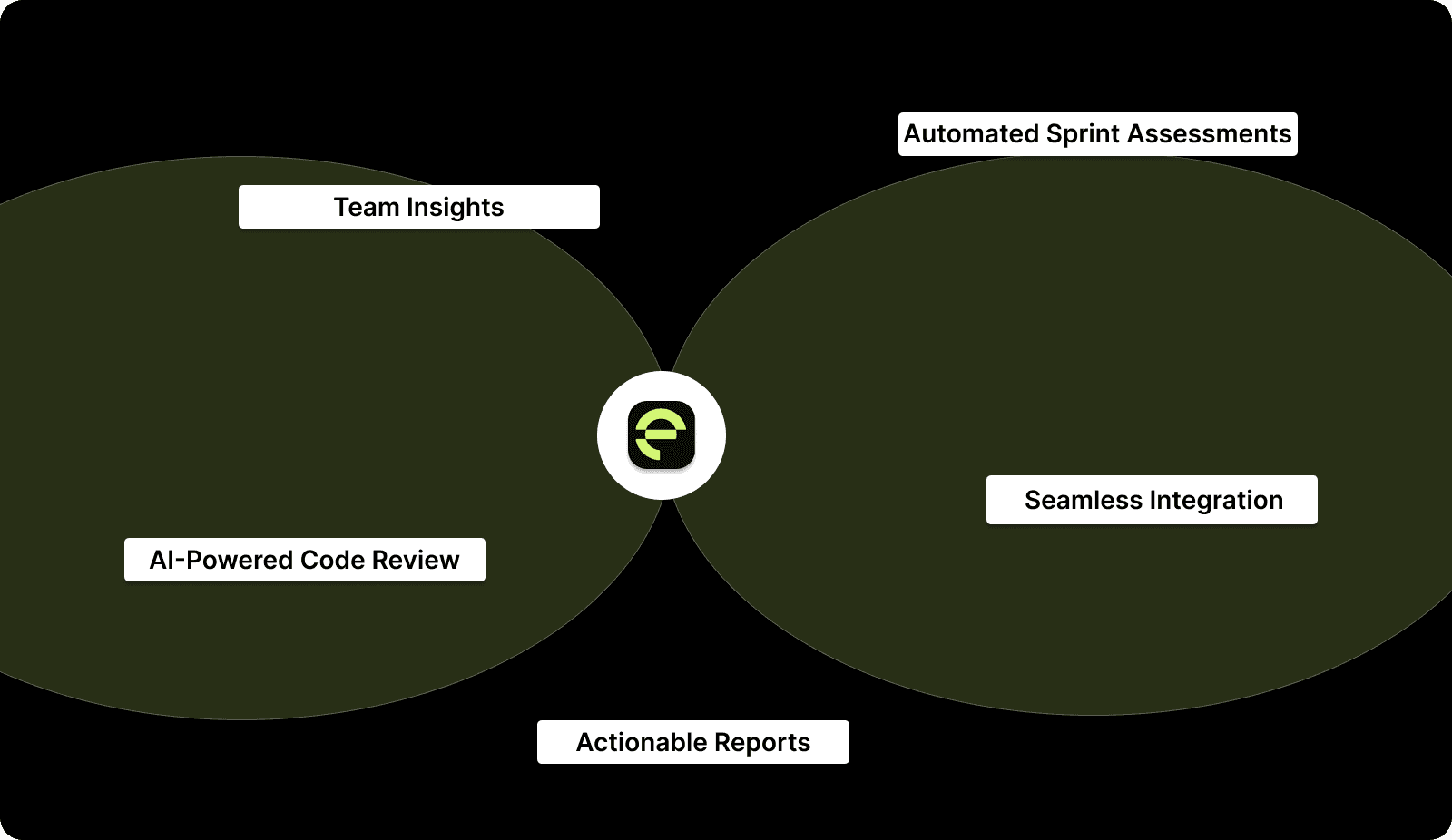
Here’s how we help:
AI-Powered Code Review: Automatically reviews code and provides context-aware suggestions to improve quality, helping developers resolve issues faster.
Team Insights: Provides data-backed performance insights, helping you track team progress, spot bottlenecks, and improve collaboration across teams.
Automated Sprint Assessments: Tracks sprint progress and generates data-driven retrospectives to help teams optimize their development cycles.
Seamless Integration: Works with popular tools like Jira, GitHub, and Slack, ensuring that your team stays focused and doesn’t need to switch contexts.
Actionable Reports: Generate clear, actionable insights based on real data to help engineering managers make informed decisions without the guesswork.
With Entelligence AI, your team can build higher-quality code faster while ensuring smooth integration with existing tools and processes.
Conclusion
Both Coderabbit and SonarQube provide powerful solutions for improving code quality, but your choice will ultimately depend on your team’s size, needs, and workflow requirements. Coderabbit is perfect for small teams and developers who need real-time, in-IDE feedback, while SonarQube excels in larger teams that require comprehensive, detailed analysis across multiple languages and environments.
However, no matter which tool you choose, Entelligence AI can enhance your existing workflows by offering smarter code reviews, team insights, and streamlined sprint assessments. With Entelligence AI, you can further optimize code quality and team productivity, ensuring your engineering teams stay focused on what matters most: building impactful products.
Ready to take your team’s productivity and code quality to the next level? Try Entelligence AI today and see how it can improve your development process.
FAQs
Q: What is the main difference between Coderabbit and SonarQube?
Coderabbit focuses on providing lightweight, real-time feedback directly in the IDE, making it great for individual developers and small teams. SonarQube, on the other hand, offers more extensive features like deep code analysis, security monitoring, and reporting, making it suitable for larger teams and complex projects.
Q: Which tool is better for larger teams?
SonarQube is better suited for larger teams or organizations that require detailed reporting, security features, and robust integrations with CI/CD pipelines.
Q: Can Entelligence AI integrate with Coderabbit or SonarQube?
Yes, Entelligence AI can complement both Coderabbit and SonarQube by providing additional insights and automating various parts of your development workflow, from code review to sprint assessments.
Q: Is Entelligence AI suitable for small development teams?
Absolutely! Entelligence AI is designed to scale with teams of all sizes, from small development teams to large enterprises, offering valuable insights and improving team collaboration.
Q: Can I use Coderabbit and SonarQube together?
Yes, Coderabbit and SonarQube can be used together in your development pipeline. While Coderabbit provides immediate, context-aware feedback within the IDE, SonarQube offers a more in-depth analysis of code quality at the project level, giving your team both real-time insights and long-term visibility.
When it comes to retaining high-quality code in software development, having the right tools is essential. Two popular tools for automating code reviews and ensuring code quality are Coderabbit and SonarQube.
While both tools serve similar purposes, helping development teams identify code quality issues and improve efficiency, they each offer distinct features, integrations, and capabilities that make them suited for different types of teams and workflows.
In this article, we’ll break down the key differences between Coderabbit and SonarQube, highlighting their unique features, advantages, and limitations to help you make an informed decision for your team’s needs.
IN a Nutshell
Coderabbit and SonarQube are both tools designed to improve code quality, but they offer different features and integrations.
Coderabbit focuses on real-time, context-aware feedback within the IDE, helping developers automate repetitive tasks and improve productivity.
SonarQube provides deep analysis of code quality across multiple languages, offering robust integration with CI/CD pipelines and detailed reporting.
Coderabbit is well-suited for smaller teams or those looking for seamless integration into their development environments.
SonarQube is favored by larger teams and organizations needing comprehensive analysis and reporting for large-scale projects.
What is CodeRabbit?
Coderabbit is a modern tool designed to simplify code review and improve code quality through automation. It integrates directly into the developer’s workflow, providing real-time feedback in the IDE and enabling developers to focus more on coding and less on repetitive tasks. Coderabbit stands out by offering context-aware suggestions, which help developers catch issues early and resolve them faster.
With a clear understanding of what Coderabbit is, let’s now take a closer look at SonarQube and its core features.
What is SonarQube?
SonarQube is one of the most extensively used static analysis tools for code quality. It provides in-depth code analysis and offers a range of features to identify bugs, vulnerabilities, code smells, and code duplication across multiple programming languages. SonarQube is designed to integrate seamlessly into CI/CD pipelines, enabling teams to monitor code quality continuously as part of their development cycle.
The tool offers a comprehensive dashboard that provides a detailed view of the code’s health, enabling developers and engineering managers to take immediate action when issues arise. Additionally, SonarQube supports multiple languages, making it an ideal choice for larger, more complex projects that require scalable solutions for continuous inspection.
Having explored SonarQube, let's compare it directly with Coderabbit to see how they stack up against each other in terms of key features.
Also Read: Essential Metrics for Measuring Code Quality
Key Differences Between Coderabbit and SonarQube
When deciding between Coderabbit and SonarQube, it’s important to know the distinct features and strengths of each tool. Here’s a comparison across some key factors:
Feature | Coderabbit | SonarQube |
Ease of Use | Lightweight, integrates directly into the IDE with real-time feedback. | Comprehensive tool with a steeper learning curve and more setup required. |
Integration with IDEs | Seamless integration with popular IDEs, focusing on developer workflow. | Strong IDE integration but also integrates with CI/CD pipelines and VCS. |
Reporting and Dashboards | Simple, intuitive dashboard highlighting critical issues. | Extensive reporting with detailed insights into code health and trends. |
Customizability | Limited customization options. | High degree of customization for rules, integrations, and reports. |
Pricing | Simple pricing, ideal for small teams and individual developers. | Free version available; paid licenses for enterprise features. |
Security Features | Focused on code review and productivity, with basic vulnerability detection. | Advanced security analysis, identifying vulnerabilities and compliance risks. |
Now that we’ve compared the core differences, let’s now take a look at the pricing structure of both tools.

Which Pricing Model Works Best for Your Team?
When evaluating tools like Coderabbit and SonarQube, pricing plays a crucial role in decision-making, particularly for teams with specific budget constraints. Understanding each tool's cost structure can help you determine which offers the best value for your needs.
Feature | Coderabbit | SonarQube |
Pricing Model | Simple and affordable pricing, great for small teams or individuals. The paid version starts from $12 per month to $24. | A free version is available, but enterprise features require a paid license. The paid version starts at $32 per month for teams. |
Free Version | Yes, available with limited features. | Yes, SonarQube offers a free community version. |
Enterprise Features | Paid plans available with advanced features for larger teams. | Advanced reporting and integrations available in paid plans. |
Now that we’ve compared the pricing, let’s look at which should would be best for your needs.
Also Read: EntelligenceAI: State-of-the-Art PR Reviews
Which Tool Should You Choose?
Choosing between Coderabbit and SonarQube depends largely on the specific needs of your development team, project size, and workflow requirements. Here’s a quick guide to help you decide which tool might be the best fit for your team:
Choose Coderabbit if:
You’re a small team or individual developer looking for seamless IDE integration.
You need quick, real-time feedback during coding without complex setup.
You prefer a lightweight tool that focuses on reducing noise and prioritizing critical issues.
You’re focused on improving productivity with minimal overhead and don’t require extensive reporting or enterprise-scale features.
Choose SonarQube if:
You’re part of a larger team or organization that needs a comprehensive solution for continuous code quality analysis.
You require detailed reporting and visibility into code health across multiple languages.
You’re looking for robust security features and compliance monitoring.
Your team needs to integrate the tool with CI/CD pipelines and project management tools for seamless, large-scale operations.
How Entelligence AI Can Help with Code Quality?
Both Coderabbit and SonarQube offer valuable features for improving code quality, but Entelligence AI can take it a step further by integrating seamlessly into your existing development workflows. With Entelligence AI, your team can gain deeper insights, automate repetitive tasks, and streamline the entire process, from code reviews to performance monitoring.

Here’s how we help:
AI-Powered Code Review: Automatically reviews code and provides context-aware suggestions to improve quality, helping developers resolve issues faster.
Team Insights: Provides data-backed performance insights, helping you track team progress, spot bottlenecks, and improve collaboration across teams.
Automated Sprint Assessments: Tracks sprint progress and generates data-driven retrospectives to help teams optimize their development cycles.
Seamless Integration: Works with popular tools like Jira, GitHub, and Slack, ensuring that your team stays focused and doesn’t need to switch contexts.
Actionable Reports: Generate clear, actionable insights based on real data to help engineering managers make informed decisions without the guesswork.
With Entelligence AI, your team can build higher-quality code faster while ensuring smooth integration with existing tools and processes.
Conclusion
Both Coderabbit and SonarQube provide powerful solutions for improving code quality, but your choice will ultimately depend on your team’s size, needs, and workflow requirements. Coderabbit is perfect for small teams and developers who need real-time, in-IDE feedback, while SonarQube excels in larger teams that require comprehensive, detailed analysis across multiple languages and environments.
However, no matter which tool you choose, Entelligence AI can enhance your existing workflows by offering smarter code reviews, team insights, and streamlined sprint assessments. With Entelligence AI, you can further optimize code quality and team productivity, ensuring your engineering teams stay focused on what matters most: building impactful products.
Ready to take your team’s productivity and code quality to the next level? Try Entelligence AI today and see how it can improve your development process.
FAQs
Q: What is the main difference between Coderabbit and SonarQube?
Coderabbit focuses on providing lightweight, real-time feedback directly in the IDE, making it great for individual developers and small teams. SonarQube, on the other hand, offers more extensive features like deep code analysis, security monitoring, and reporting, making it suitable for larger teams and complex projects.
Q: Which tool is better for larger teams?
SonarQube is better suited for larger teams or organizations that require detailed reporting, security features, and robust integrations with CI/CD pipelines.
Q: Can Entelligence AI integrate with Coderabbit or SonarQube?
Yes, Entelligence AI can complement both Coderabbit and SonarQube by providing additional insights and automating various parts of your development workflow, from code review to sprint assessments.
Q: Is Entelligence AI suitable for small development teams?
Absolutely! Entelligence AI is designed to scale with teams of all sizes, from small development teams to large enterprises, offering valuable insights and improving team collaboration.
Q: Can I use Coderabbit and SonarQube together?
Yes, Coderabbit and SonarQube can be used together in your development pipeline. While Coderabbit provides immediate, context-aware feedback within the IDE, SonarQube offers a more in-depth analysis of code quality at the project level, giving your team both real-time insights and long-term visibility.
Your questions,
Your questions,
Decoded
Decoded
What makes Entelligence different?
Unlike tools that just flag issues, Entelligence understands context — detecting, explaining, and fixing problems while aligning with product goals and team standards.
Does it replace human reviewers?
No. It amplifies them. Entelligence handles repetitive checks so engineers can focus on architecture, logic, and innovation.
What tools does it integrate with?
It fits right into your workflow — GitHub, GitLab, Jira, Linear, Slack, and more. No setup friction, no context switching.
How secure is my code?
Your code never leaves your environment. Entelligence uses encrypted processing and complies with top industry standards like SOC 2 and HIPAA.
Who is it built for?
Fast-growing engineering teams that want to scale quality, security, and velocity without adding more manual reviews or overhead.

What makes Entelligence different?
Does it replace human reviewers?
What tools does it integrate with?
How secure is my code?
Who is it built for?